Kanban boards, Claude Code terminal, MCP-powered task management, real-time session monitoring, Google Drive sync — all in a lightweight desktop overlay.
curl -fsSL https://cmdhawk.app/install.sh | bash
A single binary. No Electron. No dependencies. Just run it.
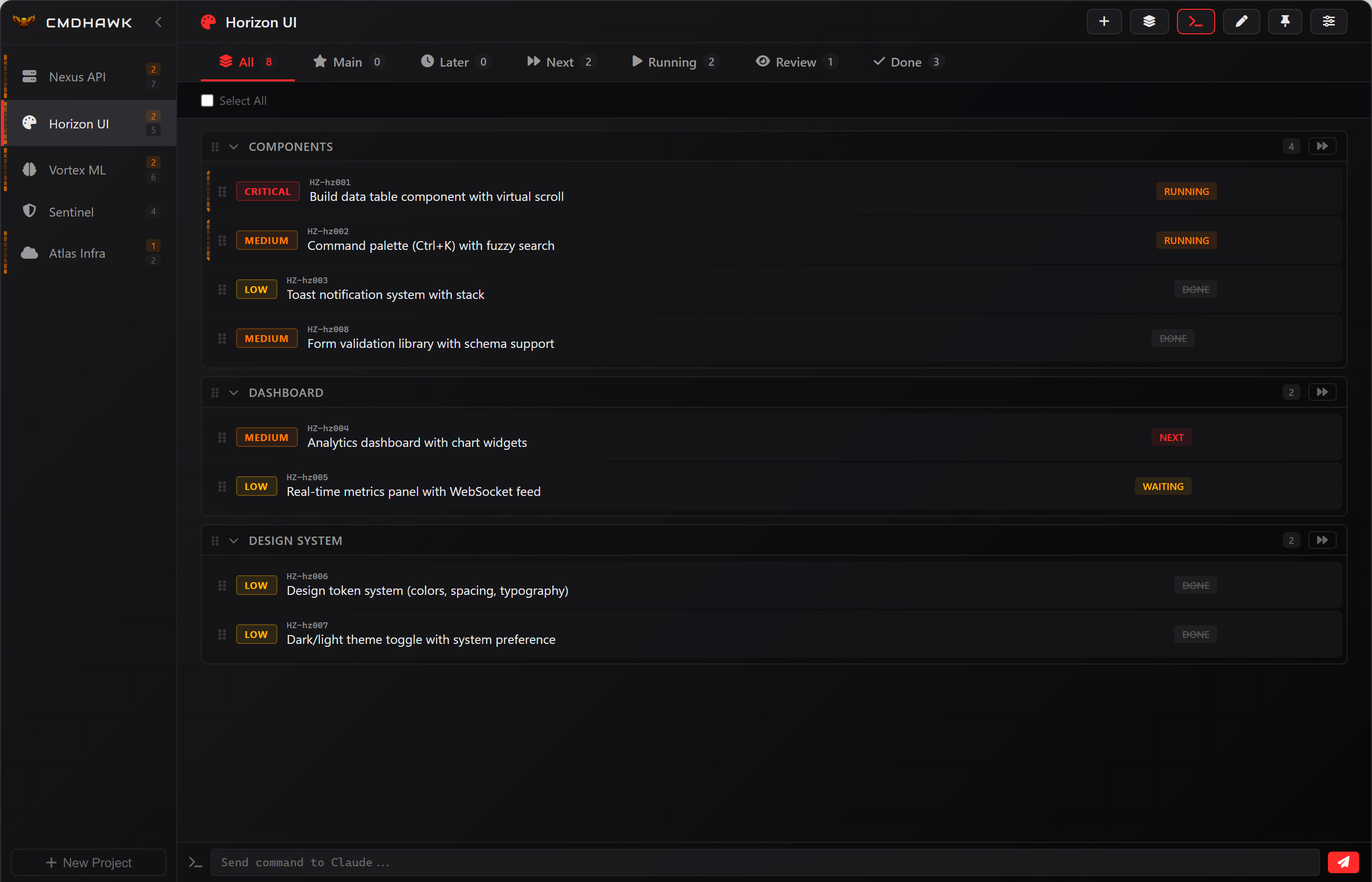
Projects, sections (Next, Running, Review, Done), groups, priorities, subtasks, drag-and-drop reordering, and task IDs with project prefixes.
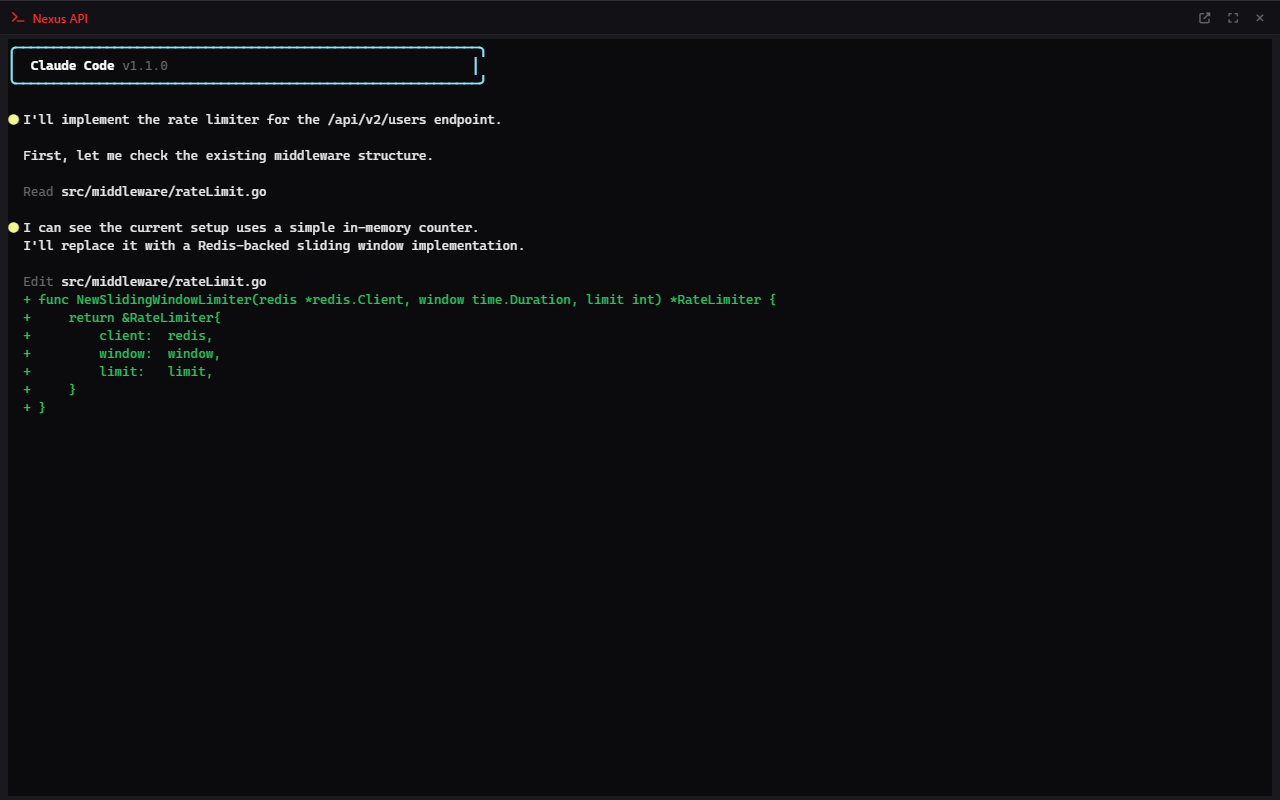
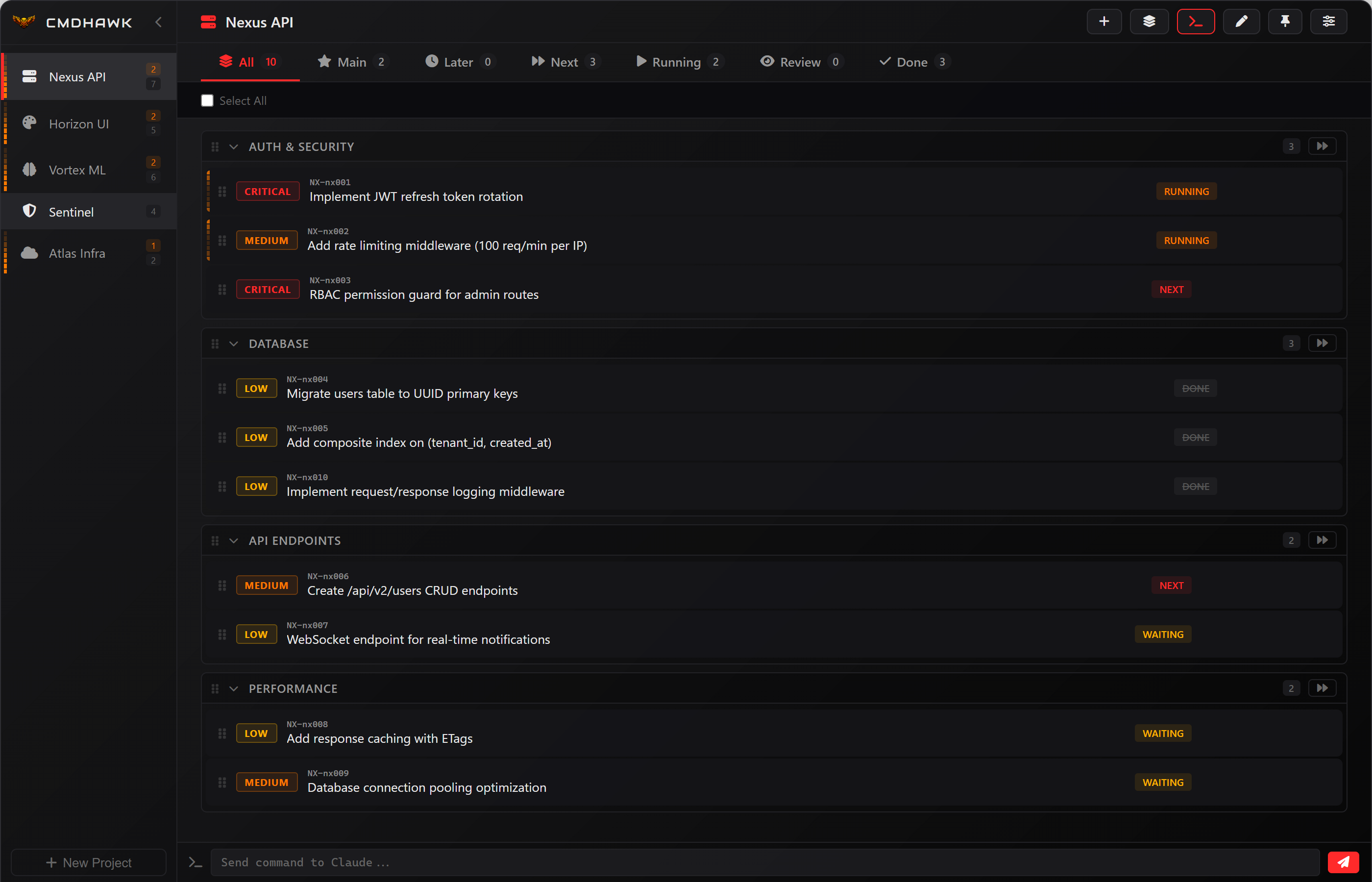
Launch Claude Code sessions directly from any project. Inline split-view or pop-out to a dedicated window. Powered by sax terminal multiplexer.
Two MCP servers for Claude Code — cmdhawk MCP for task management (create, move, batch ops) and sax MCP for terminal session control. One-click install from the app.
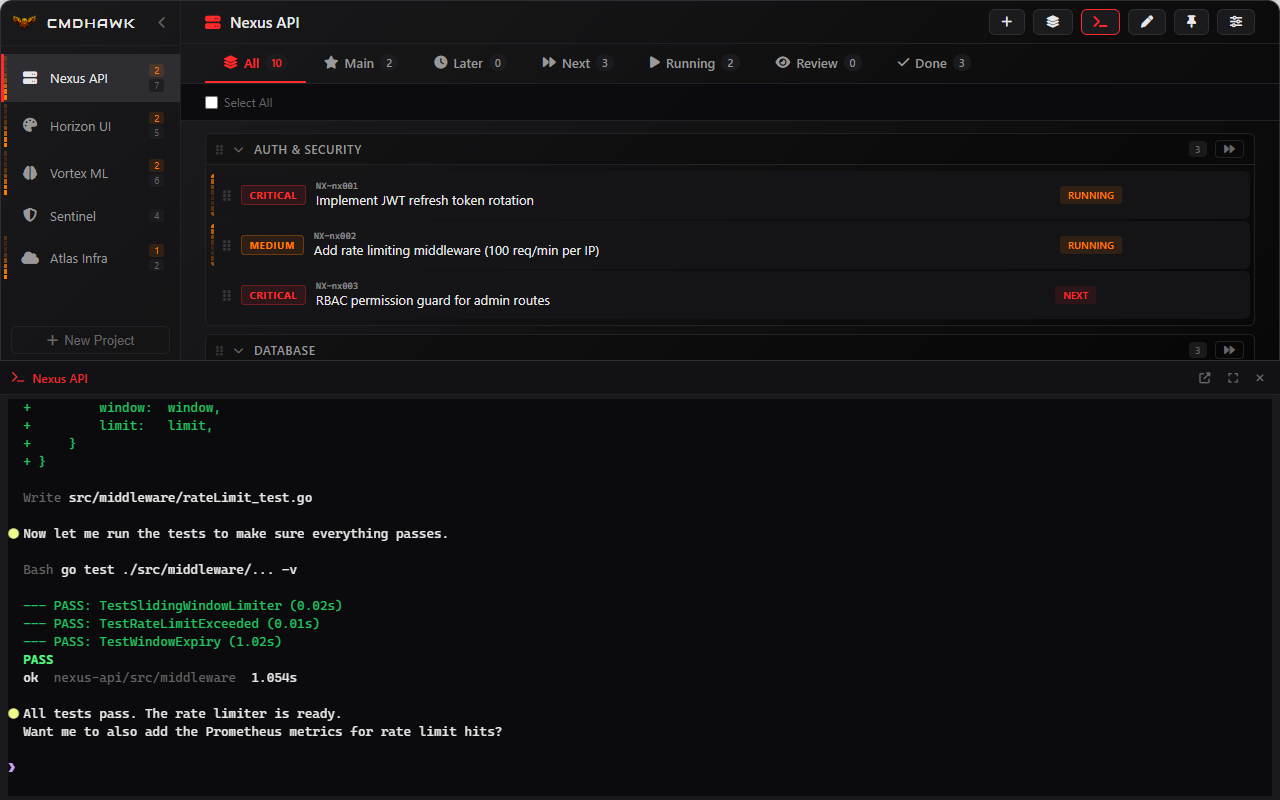
Live status indicators for every Claude session — idle, waiting, or needs input. Color-coded dots, banner bar, toast notifications, and system alerts.
Sync your projects and tasks across machines via Google Drive. Encrypted token storage, auto-backups before every pull, conflict-safe merge.
Neon Inferno, Cyber Violet, Arctic Frost, Matrix, Sakura, and more. Always-on-top floating panel with system tray, hotkey toggle, and transparency control.
Launch Claude Code sessions from any project with one click. The inline terminal splits your view so you can see tasks while Claude works. Need more space? Pop it out to a full window.
Maximize the terminal for a full-screen Claude Code experience. Custom mouse selection, clipboard integration, and auto-reconnect — all running through the sax multiplexer.
CmdHawk ships two MCP servers that integrate directly with Claude Code. Let Claude manage your tasks, create projects, move items between sections, and control terminal sessions — all through natural language.
Every element adapts to the selected theme — sidebar, cards, badges, terminals, and status indicators. Cycle through themes with a keyboard shortcut or pick from the settings carousel.
One command. Auto-detects your platform and architecture.
# PowerShell (run as administrator for PATH)
irm https://cmdhawk.app/install.ps1 | iex
# bash / zsh
curl -fsSL https://cmdhawk.app/install.sh | bash
# Download from GitHub Releases github.com/Tekcore-Technologie/cmdhawk-release/releases # Available binaries: cmdhawk-windows-amd64.exe cmdhawk-windows-arm64.exe cmdhawk-darwin-amd64 cmdhawk-darwin-arm64 cmdhawk-linux-amd64 cmdhawk-linux-arm64
x64 & ARM64 • WebView2 overlay
Global hotkey • Registry startup
Intel & Apple Silicon
WebKit overlay • LaunchAgent startup
x64 & ARM64 • WebKitGTK overlay
GTK tray • XDG Autostart
Navigate everything without leaving the keyboard.
| Shortcut | Action |
|---|---|
| Ctrl+Alt+F12 | Toggle overlay |
| Ctrl+Alt+F11 | Toggle terminal window |
| Ctrl+` | Toggle inline terminal |
| Ctrl+Shift+D | Pop out / pop in terminal |
| Ctrl+P | Pin window on top |
| Ctrl+1-9 | Select project |
| N | Quick new task |
| Ctrl+Shift+T | New task |
| Ctrl+Shift+P | New project |